As an Amazon Associate, we earn from qualifying purchases. Some links on this site are affiliate links at no extra cost to you. Our recommendations are based on thorough research and editorial judgment.


Horizon Lock vs Manual Leveling: When Each One Works Best

Horizon Lock is best for novice pilots who need stability while flying, as it keeps the footage steady and minimizes balance concerns. This feature allows for easier focus on framing and subjects. In contrast, Manual Leveling grants experienced users complete control over camera angles, vital for advanced maneuvers and creative shots. Shifting to Manual Leveling is essential for performing tricks. Understanding when to use each method can improve your skills and enhance filming quality, revealing more insights ahead.
Key Takeaways
- Use Horizon Lock for steady, level footage during standard flying conditions and to ease the learning curve for novice pilots.
- Manual Leveling provides complete camera control, essential for executing advanced maneuvers and creative shots without automated stabilization issues.
- Transition from Horizon Lock to Manual Leveling as confidence builds, allowing for improved responsiveness and the ability to perform aerial tricks.
- Horizon Lock excels in beginner practice, while Manual Leveling fosters skill development, enabling unique filming styles and better control.
- Engage with the pilot community for tips and troubleshooting to optimize both Horizon Lock and Manual Leveling in varying flying environments.
Understanding Horizon Lock: Benefits for Novice Pilots

You may be interested


Hey there! Have you heard about Horizon Lock? It’s this really useful feature that makes filming a lot easier for novice pilots. Basically, it keeps your video footage steady and ensures the horizon stays level, even if you’re moving around—super helpful for anyone just starting out.
What’s cool is that it uses technology from gyroscopes and accelerometers, which sounds fancy, but all it really means is that it helps correct any tilt in your camera. So, if you’re filming something during a hike on a bumpy trail, for instance, Horizon Lock helps keep the horizon line straight, making your shots look way better without much effort on your part.
For beginners, this feature really cuts down the learning curve. Instead of worrying about balancing your shots, you can concentrate on how to frame your subjects and get creative. Just remember to get familiar with Horizon Lock before taking it out—it’s a reliable buddy for your first videography adventures! Features like 6-axis electronic image stabilization can further enhance your footage by minimizing shake and blur.
Key Troubleshooting Tactics for Horizon Lock
Hey there! So, if you’re flying with Horizon Lock, it’s super important to troubleshoot any issues that crop up to keep your footage smooth and steady. For instance, one common problem can be a tilt in the horizon—this often points to gyroscope issues. You can easily fix this by restarting your camera, which helps recalibrate the horizon lock and often clears up those pesky discrepancies.
Also, don’t forget to check that you’ve got the latest firmware installed. I’ve seen updates tackle lots of stability and horizon leveling headaches, so it’s worth ensuring you’re up to date. If you still have a shaky experience, you might try some manual leveling instead. Sometimes, this hands-on method can offer better results, especially in tricky flying conditions.
If you’re still hitting walls, connecting with community forums can be a lifesaver. Sharing your experiences and learning from other pilots can provide fresh insights and solutions. It’s all about troubleshooting effectively to enhance your filming quality, right? Now, let’s look at some more advanced tips to further polish your flying technique. Considering cameras with advanced Electronic Image Stabilization can also help maintain horizon stability during movement.
When to Use Manual Leveling: Mastering Control
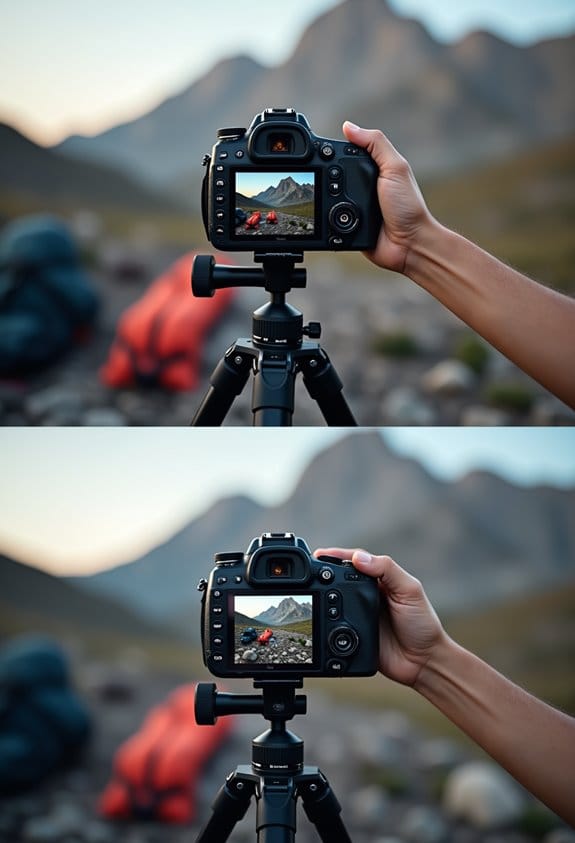
If you want to capture those stunning shots while flying your drone, mastering manual leveling is a must. This technique gives you complete control over your camera angles, which is super helpful for getting creative or executing tricky maneuvers like flips or tight turns. For instance, if you’re trying to follow a fast-moving subject or navigate through trees, being able to quickly adjust your angle can make a world of difference in your footage.
When you use manual leveling, you’ll find that understanding the physics of your camera can help reduce those annoying stabilization errors that often come with automated settings. Think of it this way: if a sudden gust of wind pushes your drone, manual control lets you instantly respond and adjust, keeping your shot steady. Sure, automating some functions can be convenient, but it often lacks the flexibility you need to truly express your artistic vision.
As you practice manual leveling, you’ll not only refine your skills but also develop your unique shooting style. This practice elevates your footage’s overall quality, allowing you to create with confidence. So, whether you’re filming a scenic landscape or an action-packed event, embracing manual control is key to achieving those jaw-dropping results you’re after. Now, let’s explore some tips to get you started on your manual leveling journey!
Many gimbals also incorporate advanced 3-axis stabilization technology to support your manual adjustments, ensuring your footage remains smooth even during dynamic movements.
Horizon Lock vs. Manual Leveling: A Functional Comparison
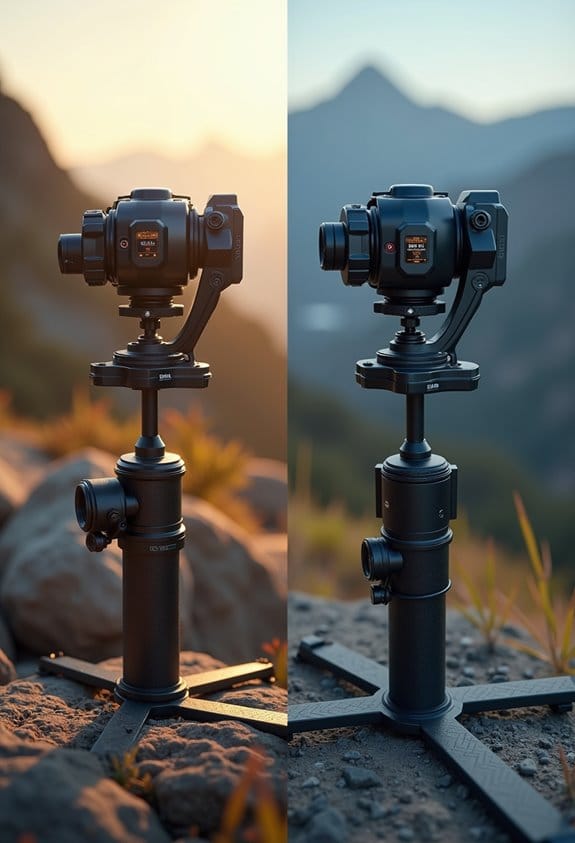
So, let’s chat about Horizon Lock versus Manual Leveling. When you’re out shooting video, those two methods serve pretty different purposes. Horizon Lock is fantastic when you’re in a fast-paced environment. It uses sensors to automatically keep your camera level, which means you can make quick adjustments without worrying about tilting. For example, if you’re filming a lively street scene, this feature helps keep the horizon steady even as you’re moving around.
On the other hand, Manual Leveling gives you total control over your shot. This is perfect for those moments when you want something unique or artistic. Think about setting up a picturesque sunset shot at the beach where you need to tweak the angle just so. Sure, it takes a little more time and effort, but it lets you create those stunning, frame-worthy moments.
In the end, choosing between Horizon Lock and Manual Leveling really depends on what kind of video you’re making. Do you need that instant stabilization for fast action, or are you going for that artistic shot where every detail matters? Whatever you decide, knowing the strengths of each can really elevate your video game. Using mounts with adjustable arms can further enhance your ability to perfect camera positioning for both methods. What techniques do you like to use for your own projects?
Tips for Perfecting Manual Leveling Techniques
Hey there! If you want to master manual leveling techniques, one of the first things you need to do is calibrate your camera properly before you start shooting. Think of it like tuning a guitar—you want everything to be just right. A great way to make sure your camera is level is to use a bubble level. It’s a simple tool that helps you see if your horizon is straight, no matter where you’re shooting—whether outdoors or in a cozy indoor space.
Now, once you’ve got your camera set up, don’t forget about the exposure settings. Adjusting things like ISO and shutter speed can really impact your lighting and the overall quality of your footage. For instance, if you’re filming during golden hour—when the light is soft and warm—playing with these settings can help you capture that beautiful glow.
Practice makes perfect, too! Set up a few scenarios at home to test out your leveling techniques. Maybe shoot some footage of a friend walking by while you play with different angles. After each shoot, take a moment to review your footage. Check if the horizon is level; it’s a great way to see what worked and what didn’t. That little habit will help you fine-tune your manual leveling for your next project—it’s all about learning and getting better over time!
Additionally, incorporating optical image stabilization can significantly enhance the steadiness of your shots during manual leveling.
How to Choose the Best Flight Mode Based on Your Skills?
Hey there! Let’s talk about how to choose the best flight mode for your skills when flying drones. It’s super important to pick the right mode, especially if you want to improve your flying abilities and keep your flying experience safe. If you’re just starting out, I recommend using Self Level Mode. This mode automatically stabilizes your drone, making it easier to fly without worrying about crashing. Think of it as training wheels for your drone; you get to focus on the basics without getting overwhelmed.
Once you’re feeling more confident, you’ll want to shift to Acro Mode. This is where the real fun starts! In Acro Mode, you have full manual control of your drone, which means you can perform tricks like flips and rolls. It’s a bit like riding a bike without training wheels—you’ll need to actively steer and balance your drone to keep it level. This mode is best saved for when you feel ready because it requires a good amount of practice to master. Also, having a reliable battery with safety features can help ensure longer and safer flying sessions.
Community Insights: Learn From Other Pilots’ Experiences
Hey! So, if you’re looking to enhance your flying experience, learning from other pilots can be super helpful—especially when it comes to techniques like horizon lock. For beginner pilots, using horizon lock can really make flying a lot easier in standard situations. A lot of pilots have shared their experiences with it, saying that it helps a ton when doing basic maneuvers.
However, there’s a bit of a catch. While horizon lock simplifies the flying experience, it can sometimes lead to unexpected tilts that you’ll have to correct manually. Many seasoned pilots recommend starting with horizon lock to build your confidence before moving on to manual leveling as you become more advanced—particularly if you’re planning to tackle some tricky flying conditions.
For instance, if you’re practicing basic turns, horizon lock can keep your aircraft steady and help you focus on your movements. But once you feel more comfortable, switching to manual leveling can give you that extra control needed for aerial tricks, like loops or rolls. It’s all about finding what works best for you and adapting to your flying environment. So, take some time to explore these options, learn from others, and you’ll be navigating the skies like a pro in no time! Understanding how autofocus features improve responsiveness can also parallel the benefits of advanced control techniques in flying.
Frequently Asked Questions
When to Use Horizon Lock Gopro?
Ironically, while users praise horizon lock benefits, it’s best utilized in ideal scenarios like action sports, where chaotic motion reigns. Many experiences teach that careful monitoring mitigates potential pitfalls of extreme tilting during shoots.
How Does Horizon Lock Work?
Horizon Lock employs stabilization techniques utilizing sensors in action cameras to automatically maintain a level horizon. This functionality is vital for capturing stable shots, providing essential filming tips for both dynamic and steady shooting conditions.
How Do I Turn on Horizon Lock on My Gopro?
To activate Horizon Lock on a GoPro, navigate to the settings, select ‘Stabilization,’ and choose ‘Horizon Leveling.’ These stabilization techniques enhance video quality by ensuring level horizons, providing significant benefits for dynamic shooting scenarios.
How to Do Horizon Lock?
To enable horizon lock, adjust the GoPro horizon settings to the preferred mode, allowing for effective stabilization techniques. This feature’s advantages shine in dynamic situations, delivering steady footage despite variable camera orientation challenges.


